See how PREXA365 helps rental businesses grow
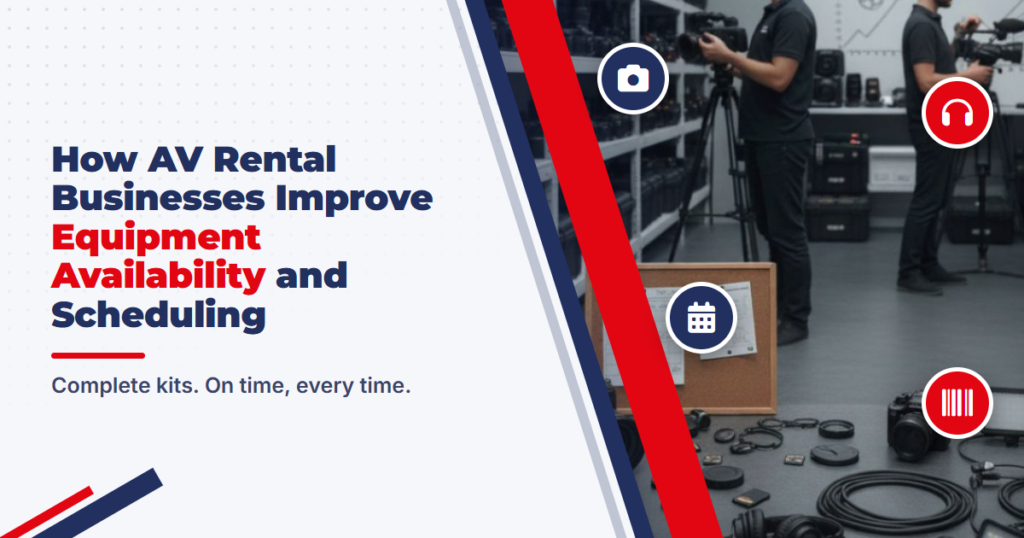
A production company books a cinema camera kit for Friday. On Thursday, your tech finds that one lens is still out with another client and a battery plate is missing. The kit is technically “available,” but it cannot leave the building.
Audio-visual rental runs on small parts and tight deadlines. A single missing cable can delay a shoot or a live event. This is why more AV and camera houses move to camera rental software that tracks kits, parts and prep time together.
Below, we look at the main availability problems AV rental businesses face and the practical steps that fix them.
Why Availability Is Tricky in AV and Camera Rentals
The professional AV market spans live events, broadcast, corporate spaces and film. Industry group AVIXA tracks this demand across regions and segments. For rental houses, that variety means many short bookings, fast turnarounds and complex kits.
Three issues show up again and again:
- Kits hide their parts. A camera package may include a body, lenses, media cards, batteries, monitors and cables. If one part is out, the whole kit is short.
- Prep time is invisible. Gear needs testing, cleaning, charging and firmware checks between jobs. Calendars rarely show this window.
- Serialized and bulk items mix. A cinema lens needs a serial record. XLR cables are tracked by count. Many systems handle only one type well.
1. Build Kits From Tracked Components
Camera rental software should let you define a kit as a parent item with child components. When a lens goes out on its own, the system reduces kit availability right away. As a result, staff no longer promise packages that cannot be built.
Equally important, the kit record should show substitutes. If one 24–70 mm lens is busy, the system can suggest an equal option from stock.
2. Add Prep and Return Buffers to Every Booking
Real availability includes the time needed to check, clean and charge gear. Set a standard buffer for each category, such as two hours for a lighting kit or half a day for a full camera package.
A visual rental scheduler then shows these buffers as blocked time. Consequently, the team can see that a kit returning at 6 p.m. cannot ship at 7 a.m. without overtime.
3. Track Serialized and Bulk Items in One Place
AV inventory mixes high-value serialized gear with low-value consumables. Good inventory management for rentals handles both. Serialized items carry their own service history, while bulk items track counts, losses and reorder points.
This blend keeps your counts honest. It also shows where cables, clamps and batteries disappear over time.
4. Use Barcodes for Fast Check-Out and Check-In
Manual checklists slow down the warehouse and invite mistakes. Barcode or QR scanning confirms every item as it leaves and returns. Missing pieces are flagged before the client drives away, not days later.
Scanning also builds a clean history. If a monitor returns with a cracked screen, you know who had it last.
5. Connect Maintenance to Availability
Sensors, lenses and projectors need regular calibration and cleaning. When service lives in a separate log, broken gear can slip back into the rental pool.
Link service tasks to each item. When a technician opens a repair, the item leaves availability until the work is signed off. This protects your reputation on set.
6. Plan for Peak Seasons Early
Wedding season, festival months and year-end corporate events create predictable spikes. Historical booking data shows which kits sell out and when.
With that view, you can sub-rent from trusted partners, schedule repairs in quiet weeks and adjust rates ahead of demand. Our article on ways to automate AV rental operations covers more ideas for busy periods.
7. Give Clients Clear, Accurate Quotes
Producers want fast answers. When quotes pull live availability and correct rates, your team can confirm a package in minutes. Clients also see exactly what is in each kit, which reduces calls on shoot day.
8. Handle Sub-Rentals Without Losing Track
Even well-stocked AV houses run short during peak weeks. Sub-renting from a partner keeps the client happy, but it adds risk. Borrowed gear must be booked, tracked, returned on time and billed correctly.
Camera rental software should treat sub-rented items like your own stock for the length of the job. Each item gets a record, a return date and a cost. Consequently, you can see the true margin on the order and return partner gear before late fees start.
9. Measure Utilization by Kit, Not Just by Item
Item-level reports can mislead. A lens may look busy, yet the full package it belongs to may rarely leave the shelf. Kit-level utilization shows which packages earn money and which ones tie up gear.
Review these numbers every quarter. Break up packages that rarely rent as a whole, and build new ones around the items clients actually request. Over time, this keeps your shelves lean and your availability high.
10. Keep the Warehouse and the Sales Desk on One Record
Most availability errors start with a gap between sales and the warehouse. Sales promises a kit while the warehouse knows a part is broken. With camera rental software, both teams see the same live record, so promises match the shelves.
11. Train Staff Around One Simple Process
Software only helps when people use it the same way. Write a short, one-page process for prep, check-out, return and repair. Then train every new hire on it during their first week.
Keep the steps simple. For instance, “scan every item out, scan every item in, flag anything missing.” When everyone follows the same steps, the camera rental software stays accurate, and availability stays reliable for the sales team.
Review the process twice a year. As your kits, clients and services change, small updates keep the routine relevant.
Key Features to Look For
When you compare camera rental software, check for these capabilities:
- Kit and package builder with parent and child items
- Prep, test and return buffers on the schedule
- Serialized and bulk inventory in one system
- Barcode or QR scanning on mobile devices
- Service tasks that block availability
- Shortage alerts and sub-rental tracking
- Utilization reports by kit and category
You can review how these work together on our camera rental management page.
Frequently Asked Questions
What is camera rental software?
Camera rental software is a system that tracks cameras, lenses, lighting and audio gear through booking, prep, check-out, return and service. It shows which kits are complete and ready on any given date.
Can camera rental software handle other AV equipment?
Yes. Most AV rental houses use the same system for cameras, projectors, LED walls, audio desks and staging. The key is support for both serialized gear and bulk items such as cables.
How does it reduce double bookings?
It checks live availability at the item level, including prep buffers and items out for repair. Staff therefore see conflicts before they confirm an order, not on the day of the shoot.
Conclusion
Equipment availability in AV rental depends on more than a date on a calendar. It depends on complete kits, honest prep time and well-kept gear. With the right camera rental software, your team can confirm bookings with confidence, ship complete orders and keep clients coming back.
Looking for a modern rental management solution? Request a free demo or email our team at sales@prexa365.com to explore how we can help automate operations, improve asset utilization, and accelerate business growth.