See how PREXA365 helps rental businesses grow
A contractor calls at 7 a.m. and needs a mini excavator by noon. Your counter team checks a spreadsheet, then a whiteboard, then calls the yard. The machine shows as available, but it is still on a truck coming back from another site. Meanwhile, nobody has logged its last service.
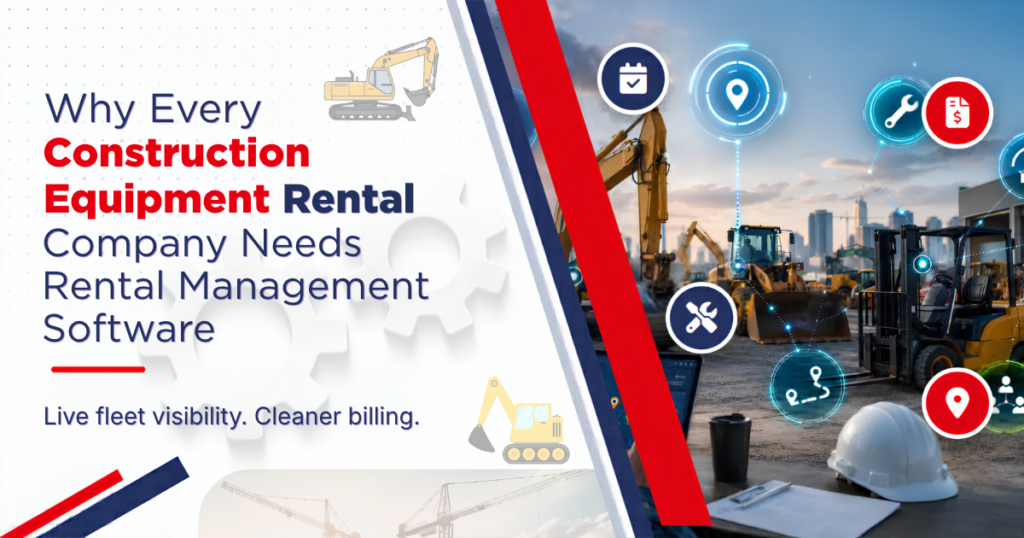
Moments like this cost construction equipment rental companies money every week. The fleet is large, the assets move fast, and every machine carries its own service, billing and safety needs. Construction equipment rental software brings all of that into one shared record.
This guide explains why construction equipment rental businesses outgrow manual tools, which problems software solves, and what to look for before you buy.
Why Construction Equipment Rentals Are Hard to Run Manually
Construction is a busy, shifting market. Public data on U.S. construction spending is released every month, and those swings reach rental counters quickly. When projects start or stall, demand for loaders, lifts and compactors changes with them.
At the same time, each rental involves several teams. Sales takes the order. Dispatch arranges delivery. The workshop inspects the machine on return. Finance bills the customer. When each team keeps its own records, small gaps grow into real losses.
Common warning signs
- Double bookings because two staff members used different lists
- Machines sitting idle in the yard while customers are told none are free
- Late or missing charges for fuel, damage, cleaning or extra days
- Service dates missed because meter readings live in a notebook
- Managers who cannot say which equipment category earns the most
If two or more of these sound familiar, your process is already holding the business back.
1. One Live View of Every Machine
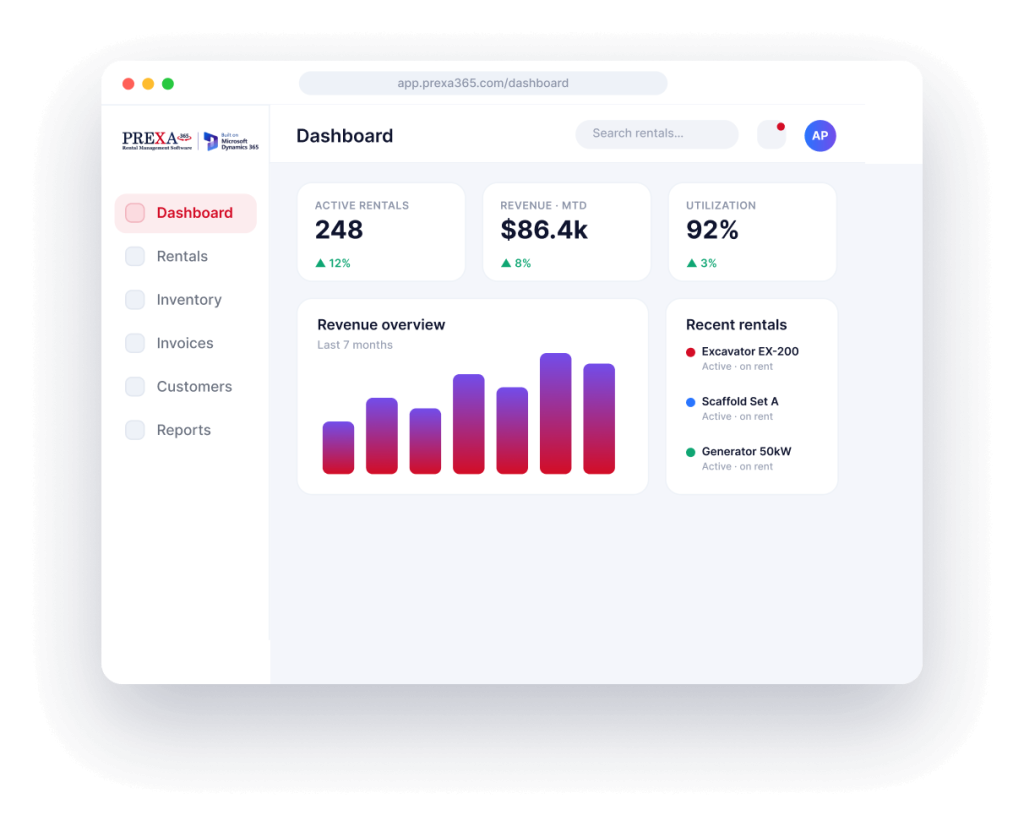
The first reason to adopt software is visibility. A rental system gives each machine a single record with its status, location, hours, attachments and history. As a result, staff stop guessing and start answering customers with confidence.
For instance, a counter agent can see that a 20-ton excavator is on rent until Thursday, due for a 500-hour service, and already booked for Monday. That context prevents a promise the yard cannot keep. Our guide on how contractors track machines across several job sites shows how this works in the field.
2. Accurate Availability and Scheduling
Availability is more than “in the yard.” A machine also needs transport time, a return inspection, cleaning and sometimes repairs before it can go out again. Spreadsheets rarely show that buffer.
A visual rental scheduling tool shows bookings, transfers and service holds on one timeline. Consequently, dispatchers can spot conflicts days ahead instead of on the morning of delivery.
3. Faster Quotes and Cleaner Contracts
Contractors often compare two or three rental suppliers before they commit. The company that sends a clear, correct quote first usually wins the job.
Rental software pulls rates, availability and customer terms into the quote automatically. It then turns the approved quote into a contract with the right serial numbers, delivery details and damage waiver. This cuts manual typing and reduces disputes later.
4. Correct Invoices Without the Month-End Scramble
Billing is where manual errors hurt most. Rental periods change, machines are swapped mid-job and customers add attachments by phone. Each change must reach the invoice.
With connected rental invoicing, billing follows the contract automatically. Extensions, early returns, fuel, damage and delivery charges flow into one invoice. Therefore, finance closes the month faster, and customers receive fewer corrections.
5. Planned Maintenance Instead of Surprise Breakdowns
A breakdown on a live job site is expensive. You lose rental income, pay for a service call and risk the customer relationship. Most of these failures follow missed service intervals.
Rental management software tracks engine hours, mileage and calendar dates for each unit. It raises a work order before the threshold, not after. Paired with a preventive maintenance schedule, it also blocks unsafe machines from being booked until a technician clears them.
6. Better Decisions About the Fleet
Owners face hard questions every year. Should you buy more telehandlers? Sell older skid steers? Re-rent from a partner during peak months? Without data, these choices rely on gut feeling.
Good software reports time and dollar utilization by category, branch and season. It also shows repair spend per unit. With these numbers, you can retire costly machines and invest where demand is steady.
7. Room to Grow Without Adding Chaos
Opening a second branch or adding a new equipment line multiplies every manual problem. Transfers between yards, different price lists and more staff all add risk.
A cloud-based system keeps every branch on the same records and rules. New staff learn one process, and head office sees the whole business in one place.
Common Concerns About Switching
Many owners agree that spreadsheets are holding them back, yet they still delay the move. The same three worries come up again and again.
“Our team will not use it”
Adoption depends on how close the software is to daily work. When counter staff can book a machine in a few clicks and drivers can check in equipment on a phone, people use it. Involve one person from each team in the trial, and let them shape the setup.
“Our data is too messy”
Almost every rental company starts with incomplete records. That is normal. Begin with serial numbers, current location and status for each machine. Service history and pricing details can follow in the second phase.
“It will disrupt the busy season”
Timing matters. Plan the switch for a quieter month, and run old and new processes side by side for two to four weeks. As a result, nobody loses a booking while the team learns the new flow.
What to Look for in Construction Equipment Rental Software
Not every system suits heavy, serialized machinery. Before you choose, check that the software offers:
- Serialized asset records with meter readings and attachments
- Visual scheduling with transport and service buffers
- Quotes, contracts and invoices linked in one flow
- Hour- and date-based maintenance triggers
- Mobile check-in and check-out with photos
- Multi-branch transfers and stock views
- Utilization and revenue reports by category
- Links to your accounting and CRM tools
You can see how these pieces fit together on our construction equipment rental management page.
How to Get Started
Start small and practical. First, list your top three daily problems, such as double bookings or late invoices. Next, clean up asset records for one high-value category. Then, run that category in the new system for a month before you move the rest of the fleet.
This staged approach gives your team early wins. It also exposes data gaps before they spread across every branch.
Final Thoughts
Construction equipment rental is a high-value, high-movement business. Spreadsheets and phone calls cannot keep up with fast transfers, strict service needs and detailed billing. Rental management software gives every team the same live picture, so machines stay ready and revenue stays accurate.
Looking for a modern rental management solution? Request a free demo or email our team at sales@prexa365.com to explore how we can help automate operations, improve asset utilization, and accelerate business growth.
Frequently Asked Questions
What does construction equipment rental software do?
It manages the full rental cycle for construction equipment, from quotes and bookings to delivery, return inspection, maintenance and invoicing. Every team works from the same live asset record.
Is it only for large rental companies?
No. Smaller firms often see the fastest results because a few missed charges or double bookings hurt them more. Most cloud systems scale from one yard to many branches.
How long does it take to switch from spreadsheets?
It depends on fleet size and data quality. Many companies start with one equipment category, confirm the process works, and then move the rest of the fleet in stages.