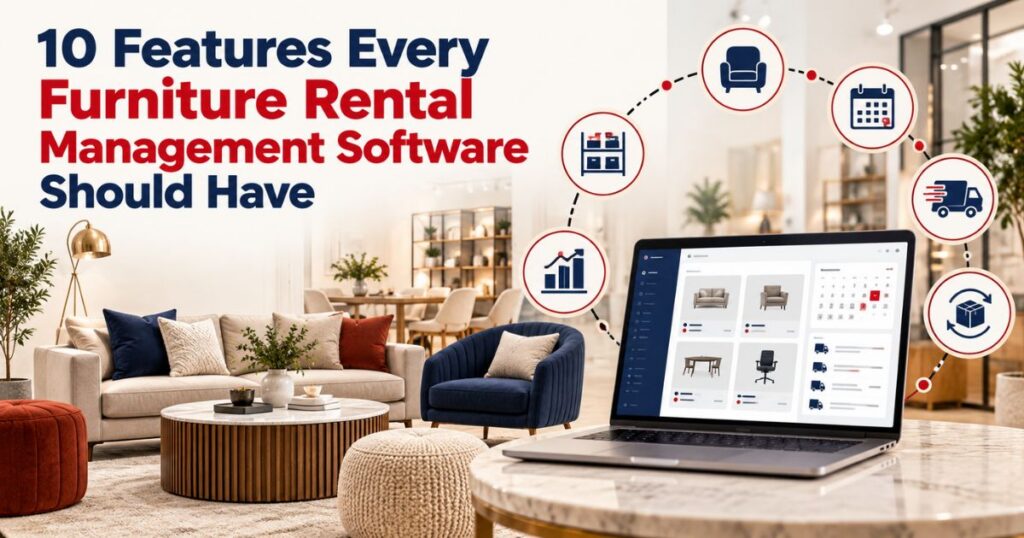
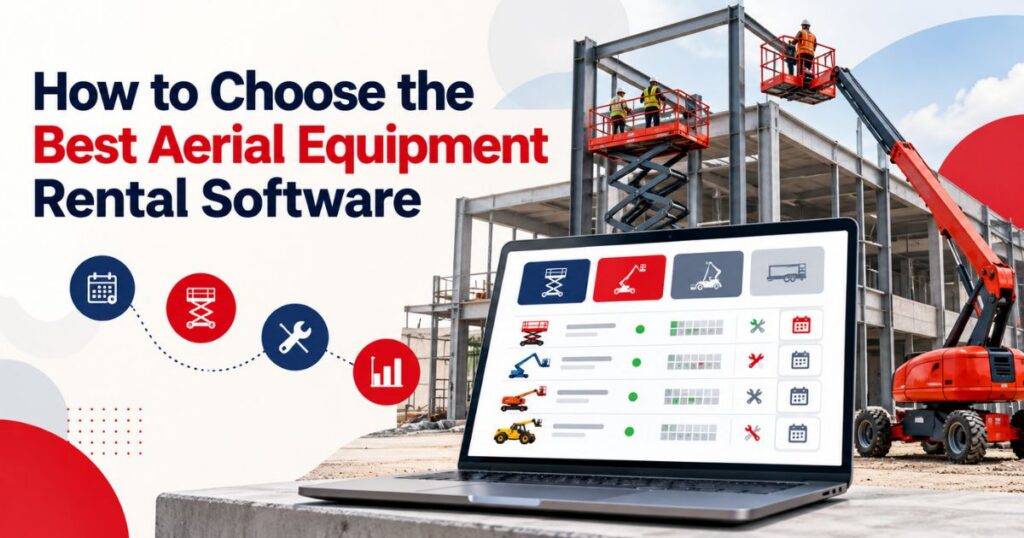
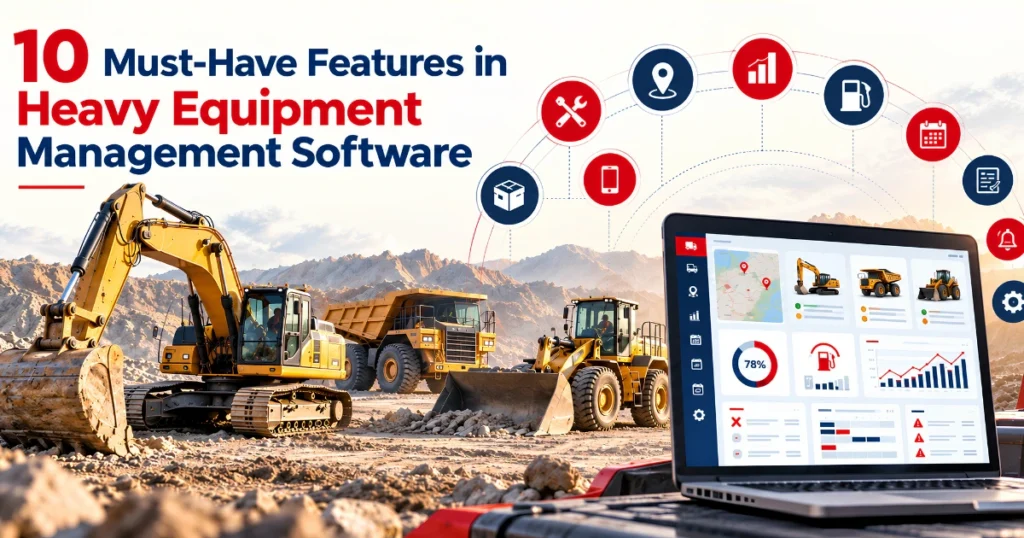
A dependable rental management system should connect inventory, quotations, reservations, contracts, deliveries, returns, maintenance, invoices, and reports. It should reduce repeated data entry without removing necessary employee review.
Requirements vary by industry. A construction rental company may track serialized machines and operating hours. A furniture business may focus on packages, condition records, and deliveries. A boat rental company may need time-slot bookings, inspections, and location-based availability.
However, every rental team needs clear answers to the same questions. What is available? Where is it? Has it been inspected? What did the customer agree to pay? When should it return?
The following 20 features provide a practical framework for comparing rental management software.
Structured Inventory Records
The system should organize products by category, subcategory, asset group, make, model, and individual unit where required.
Serialized assets may need separate records for their location, condition, rental history, inspections, and maintenance. Standard accessories or consumables may be managed by quantity.
A reliable rental management application should support both methods without forcing employees to maintain separate inventory files.
Date-Based Availability
Availability should cover future dates, not just current stock. An item may be inside the warehouse but unavailable because it is reserved, awaiting inspection, under repair, or scheduled for transfer.
The system should account for preparation, delivery, active rental, pickup, return inspection, cleaning, and service time where relevant. This provides a more accurate view than a basic “in stock” quantity.
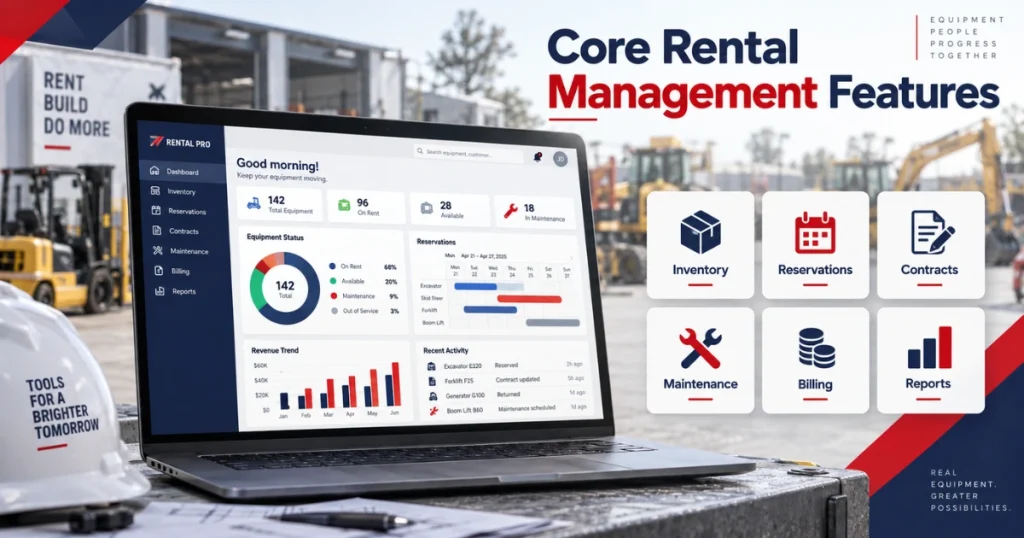
Reservation and Booking Management
A reservation should connect the customer, items, rental dates, location, quantity, rate, and delivery details.
Orders may contain one asset or several items with different return dates and service requirements. Each line should retain its own status while remaining connected to the main contract.
A rental scheduler can help teams review asset availability, transport tickets, and service activity before confirming a booking.
Customer Enquiry Records
Many rentals begin with an enquiry rather than a confirmed order.
Employees may need to record requested dates, equipment type, quantity, job-site details, budget, and expected decision date. Keeping these details connected to the customer prevents important requirements from becoming buried in emails or personal notes.
The enquiry should move into the quotation without being entered again.
Quotation and Pricing Controls
Rental pricing may vary by duration, customer, asset category, contract, branch, or project. A rental quoting management system should retain selected items, prices, discounts, additional charges, revisions, and approval status.
Employees should know which price list was used and whether an exception required approval. Once accepted, the quotation details should carry into the rental order.
Rental Contract Management
Rental contract management software should connect the agreed items, dates, customer information, pricing, deposits, delivery terms, and additional services.
Templates can support consistent contract preparation, but employees must still use the correct terms for each transaction.
The system should preserve contract revisions and identify the version accepted by the customer. A docuSign integration for rental software may also be assessed if electronic signatures form part of the rental process.
Equipment Allocation
Customers may reserve a product category before the specific unit is known.
For example, a customer may book a 45-foot boom lift while operations assigns the serialized machine closer to dispatch.
The rental management platform should retain both the requested equipment group and the individual unit delivered. This lets sales reserve capacity while operations selects equipment based on location, condition, meter readings, and maintenance status.
Delivery and Pickup Management
Transport records should remain connected to the rental order and assigned asset. Details may include the delivery address, site contact, time window, driver, equipment identifier, vehicle, access instructions, and transport charge.
Separate tickets may be needed for delivery, exchange, partial pickup, branch transfer, and final collection. If the assigned asset changes, the transport record should change as well.
Pre-Rental and Return Inspections
Inspection templates should reflect the equipment or product category.
A pre-rental check may record condition, functionality, meter readings, photographs, and included accessories. A return inspection may capture damage, missing items, cleaning needs, and reported faults.
If an item fails inspection, its status should prevent another rental until the required work and approval are complete.
The software maintains the inspection record. Qualified employees remain responsible for technical checks, repair decisions, testing, and release for rental use.
Preventive Maintenance Scheduling
Maintenance may be triggered by dates, operating hours, mileage, meter readings, rental cycles, inspection findings, or manufacturer instructions.
The system should show upcoming, due, overdue, in-progress, awaiting-parts, and completed service work. It should also connect maintenance status with rental availability.
A maintenance reminder has limited value if an asset with unresolved work still appears ready for booking.
Maintenance and Repair History
Each maintainable asset should retain a service history. Useful records include reported faults, findings, technician activity, labour, parts, readings, downtime, completion notes, and approval status.
This information helps technicians understand previous work and lets managers identify recurring failures. It also supports repair-or-replace reviews by connecting service costs with condition, utilization, age, and rental income.
Equipment Exchanges
An asset may need replacement during an active rental because of a fault, suitability concern, operational change, or customer request.
A practical rental management tool should exchange the individual unit without rebuilding the entire contract.
The original and replacement assets must retain separate histories. The first unit may move into inspection or repair while the replacement remains on rent.
Exchange dates, readings, transport activity, reasons, and approved billing changes should remain visible.
Extensions and Partial Returns
Rental orders do not always close at once. A customer may return one item while keeping the rest. Another customer may extend only part of a multi-asset order.
The system should update each line independently while keeping the overall contract active. Returned items should stop billing according to the agreed terms, while the remaining items continue.
These changes should also update availability, inspections, maintenance, transport, and invoicing records.
Recurring and Flexible Invoicing
The invoice should reflect actual rental activity, not only the original quotation.
Charges may change because of extensions, early returns, excess usage, fuel, transport, additional products, cleaning, service, or approved damage costs.
Short-term rentals may be invoiced after return. Long-term agreements may require weekly, monthly, milestone-based, or recurring billing.
Automation can prepare invoices from approved records, but employees should review unusual charges, credits, cancellations, and other exceptions.
Payment Tracking
Rental teams may need to see whether an invoice is pending, due, partially paid, paid, overdue, credited, or under review.
The accounting platform may remain the official source for customer balances. The rental software should display the information needed for rental decisions and customer conversations.
Businesses accepting online payments can assess the documented scope of a stripe rental software integration.
Customer and Contact Management
A customer account may contain several contacts, job sites, billing addresses, projects, and pricing agreements. A connected customer relationship management module can associate enquiries, quotations, rental history, active contracts, communications, and customer records.
Permissions should remain role-based. Employees need access to the information required for their work, not every customer or financial field.
Vendor, Purchasing, and Rerent Management
Rental businesses purchase assets, parts, consumables, transport, and external services. They may also source equipment from another supplier when their own inventory cannot fulfil a request.
The rental business software should connect vendors, purchase requests, purchase orders, receipts, costs, and relevant customer orders.
A rental procurement system can be assessed for vendor records, approval processes, purchase activity, and partial receipts.
Multi-Location Management
Multi-location businesses need company-wide visibility with controlled branch access.
The system should support location-specific inventory, reservations, pricing, transport records, customer information, and reports.
Equipment transfers may move through requested, approved, dispatched, in-transit, received, inspected, and available statuses. The receiving branch should not see an asset as available before it arrives and completes the required checks.
Integrations and Data Security
A rental management solution may connect with accounting, payments, electronic signatures, reporting, messaging, telematics, ecommerce, or customer-facing systems.
Each integration should define what information moves, which system owns it, how frequently it updates, and how failed transfers are handled.
Security must form part of that review. According to IBM’s 2024 study, the global average cost of a data breach reached $4.88 million. The study covered 604 organizations across 17 industries and 16 countries and regions, rather than rental businesses specifically.
Integrations should exchange only the information required for their stated purpose. Access, authentication, monitoring, and error handling should be reviewed before implementation.
Reporting and Operational Metrics
Reports should help employees investigate rental activity rather than display isolated numbers.
Useful measures may include rental days, time utilization, financial utilization, rent-ready percentage, downtime, maintenance costs, revenue by asset, quotation conversion, and outstanding invoices.
Metrics require context. High utilization may indicate strong demand but leave limited time for inspections and maintenance. Low utilization may result from pricing, seasonality, location, poor condition, or excess inventory.
A power BI integration for rental software can be evaluated for data sources, refresh schedules, report access, and business requirements.
Managers should be able to move from a summary figure to the rentals, assets, or transactions behind it.
Rental Management System Buying Checklist
| Area | What to verify |
| Inventory | Serialized assets, quantity stock, categories, specifications, and locations |
| Availability | Future reservations, returns, inspections, and maintenance restrictions |
| Sales | Enquiries, quotations, pricing, approvals, contracts, and revisions |
| Operations | Allocation, delivery, exchanges, extensions, and partial returns |
| Service | Inspections, maintenance, repairs, downtime, parts, and history |
| Finance | Invoices, recurring billing, payments, purchasing, and integrations |
| Reporting | Utilization, availability, revenue, costs, and exception reports |
| Implementation | Data migration, permissions, mobile access, training, and support |
This should remain the article’s only table. The checklist can support comparison, but realistic testing should determine the final decision.
How to Test a Rental Management System
Ask each provider to demonstrate a complete transaction using inventory and rules similar to your own.
The scenario should cover a customer enquiry, revised quotation, future reservation, asset allocation, delivery, failed inspection, replacement item, partial return, extension, additional charge, invoice, and payment update.
Also ask the provider to demonstrate a failed process. For example, test an accounting transfer with a missing customer record or a reservation that overlaps with scheduled maintenance.
Confirm whether each feature is standard, configurable, integration-based, or custom. Document additional costs for implementation, migration, training, integrations, and ongoing support.
The best rental management software should support routine transactions and common exceptions without forcing employees to correct several disconnected records.
How PREXA365 Supports Rental Operations
PREXA365 can be assessed against the 20 features covered in this guide. Its published rental management solution describes quotations, reservations, asset scheduling, equipment tracking, pricing, contracts, inspections, maintenance, transport, returns, exchanges, invoicing, payments, and reporting.
PREXA365 also provides separate pages for quoting, scheduling, customer management, procurement, accounting, payments, reporting, and integrations.
The correct configuration will depend on the company’s rental model, inventory, locations, pricing, maintenance requirements, customer process, financial system, and employee permissions.
Request a demonstration that follows your actual rental process rather than relying only on product-page descriptions.
Conclusion
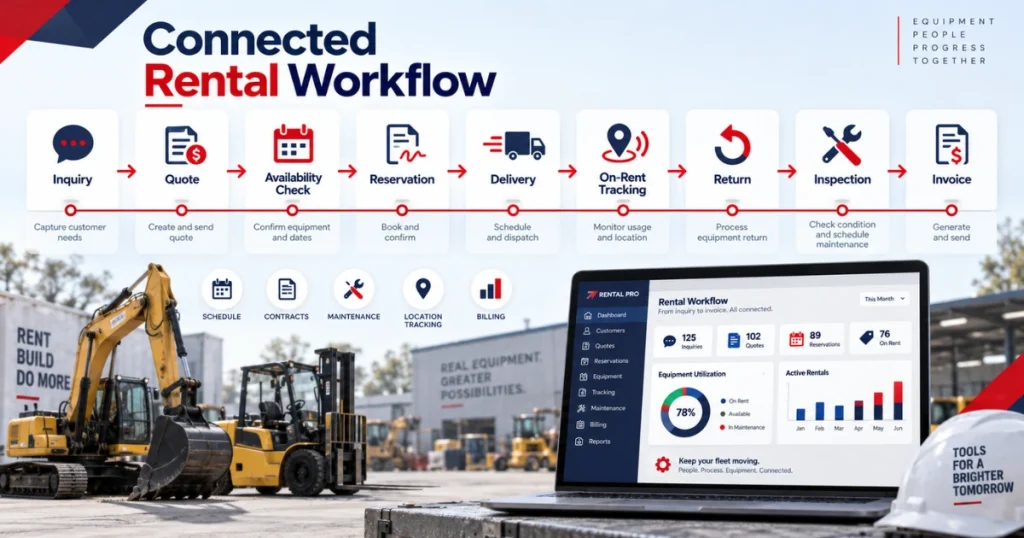
A rental management system should provide more than inventory and booking records. It should connect enquiries, quotations, availability, contracts, equipment assignments, deliveries, inspections, maintenance, returns, exchanges, invoices, payments, purchasing, and reporting.
More importantly, the platform must handle common exceptions. Customers request extensions. Items return separately. Equipment fails inspections. Delivery plans change. Charges require approval.
Before choosing a rental management software provider, document where information becomes duplicated, delayed, or incomplete. Then test each system with realistic transactions from your business.
The right rental management solution is the one that fits your inventory, employees, customers, locations, and financial controls without creating another disconnected information source.
Book a free demo to review PREXA365 using a rental scenario relevant to your operation, or email sales@prexa365.com to discuss inventory, bookings, maintenance, billing, and reporting requirements.