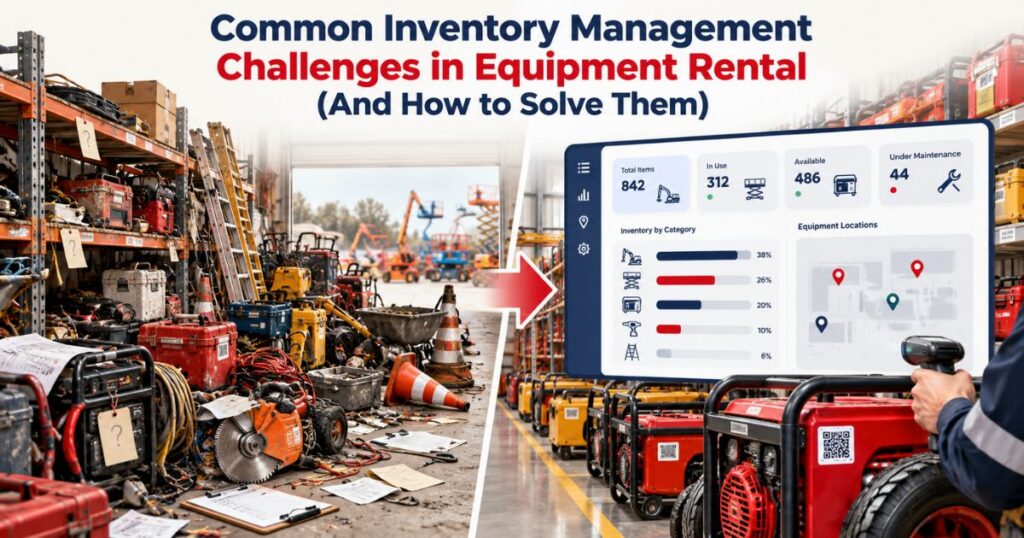
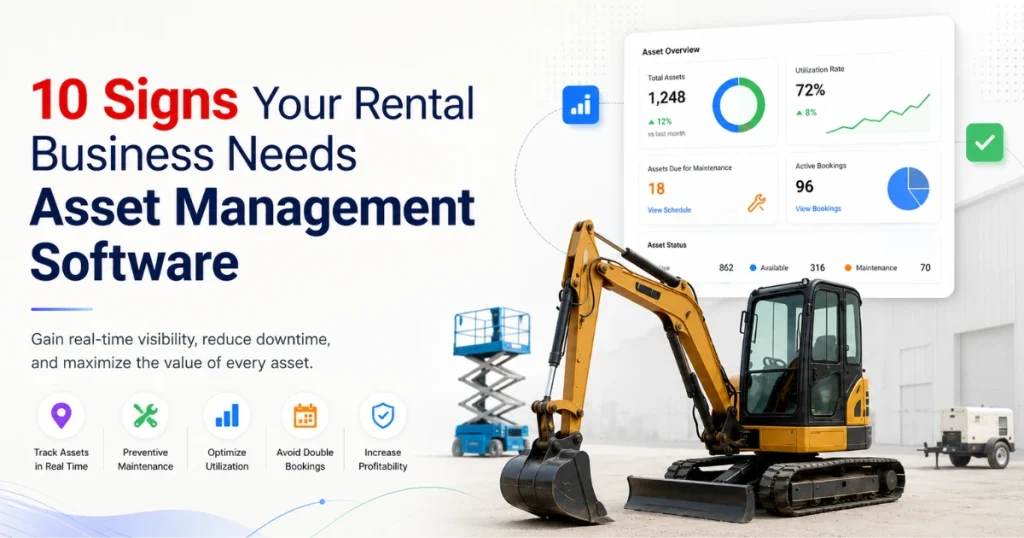
Equipment rental inventory is constantly moving.
Machines leave for customer sites. Tools change hands. Attachments travel separately from the equipment they support. Items return at different times, and some require inspection, cleaning, charging, or repair before another rental.
This makes equipment rental inventory management significantly different from maintaining a simple warehouse stock count.
Rental companies need to know more than how many items they own. Employees also need to understand where each asset is, whether it is committed to another customer, what condition it is in, and when it can support the next booking.
The following challenges commonly weaken rental inventory records and create practical ways to address them.
Challenge 1: Inconsistent Equipment Names and Asset Records
Inventory problems often begin with naming.
One employee may record an asset by model number. Another uses an internal nickname. A third enters the manufacturer and general equipment category.
The same machine can then appear under several records, while different assets may be grouped under one unclear description.
A reliable inventory structure should define how equipment is classified.
The hierarchy may include:
- Category → Subcategory → Product Group → Make and Model → Individual Asset
Each serialized item should have a unique asset number. The record may also include its serial number, specifications, current location, condition, operational status, and rental history.
Avoid changing the asset identifier when the equipment moves to another branch or project. Location changes, but the equipment’s identity should remain consistent.
A practical rental inventory management system should also support required fields and controlled naming where appropriate. These controls reduce the risk of employees creating duplicate assets or incomplete product records.
Challenge 2: Treating All Inventory the Same Way
Rental businesses may manage both serialized and quantity-based inventory.
High-value machines, trailers, cameras, generators, and specialist tools may require individual records. Each unit can have a different location, inspection history, maintenance status, and rental assignment.
Standard cables, chairs, barriers, linens, accessories, or consumables may be managed by quantity.
Problems arise when a company forces every item into one tracking method.
Individually recording every low-value cable may create unnecessary administration. Managing high-value equipment only by quantity removes the history required to track condition and service work.
Before configuring rental inventory management software, divide items into practical groups:
- Serialized rental assets
- Individually tracked accessories
- Quantity-based rental stock
- Consumables
- Parts and workshop supplies
- Rerented or externally sourced equipment
The correct tracking level depends on value, mobility, condition risk, maintenance requirements, and the importance of individual history.
Challenge 3: Confusing Physical Stock with Rental Availability
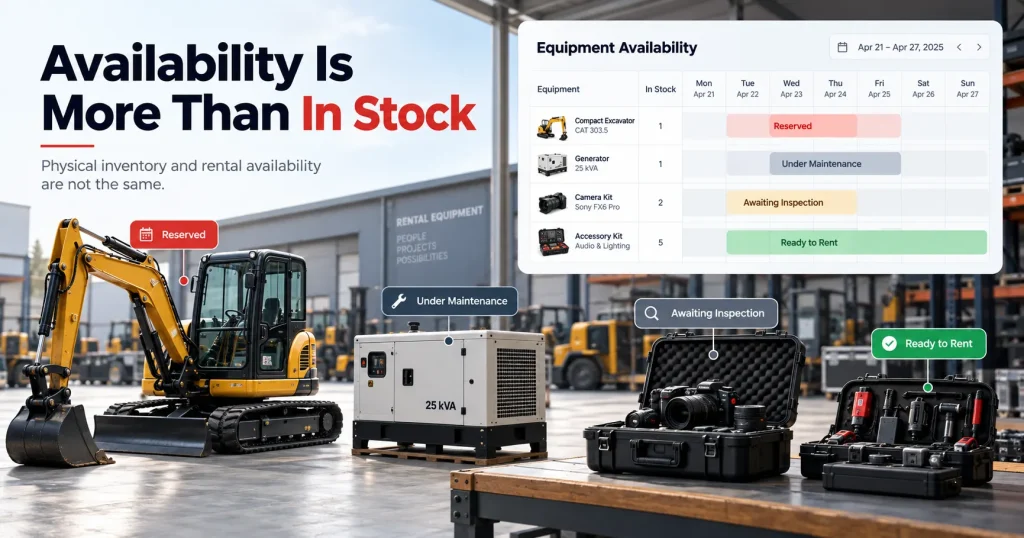
An item can be inside the warehouse and still be unavailable.
It may already be reserved, awaiting inspection, under maintenance, charging, scheduled for transfer, or missing an essential accessory.
A simple “in stock” quantity does not show whether employees can promise the item for a particular rental period.
Availability should consider the complete rental window, including preparation, delivery, the active rental, collection, return inspection, cleaning, and service work.
The system should also review future commitments.
If a customer extends a rental beyond the original date, the change could overlap with the next reservation.
The rental equipment inventory software should make that conflict visible before another employee confirms the extension or future order.
Availability still depends on current records. Informal extensions, delayed returns, or unresolved faults cannot affect the schedule until someone records them.
Challenge 4: Losing Track of Attachments and Accessories
Primary equipment often depends on supporting items.
An excavator may require a specific bucket or breaker. A camera package may need lenses, batteries, media, cables, and a tripod. A generator may require distribution equipment or fuel accessories.
The main asset can appear ready while an essential component remains at another site.
Packages and kits can make repeat orders easier, but they should not hide individual components.
Each serialized attachment should retain its own identity, location, condition, and activity history. Quantity-based accessories should update the correct stock record.
The package should also support substitutions. If one lens, attachment, or battery kit is unavailable, employees may replace that component without rebuilding the entire rental order.
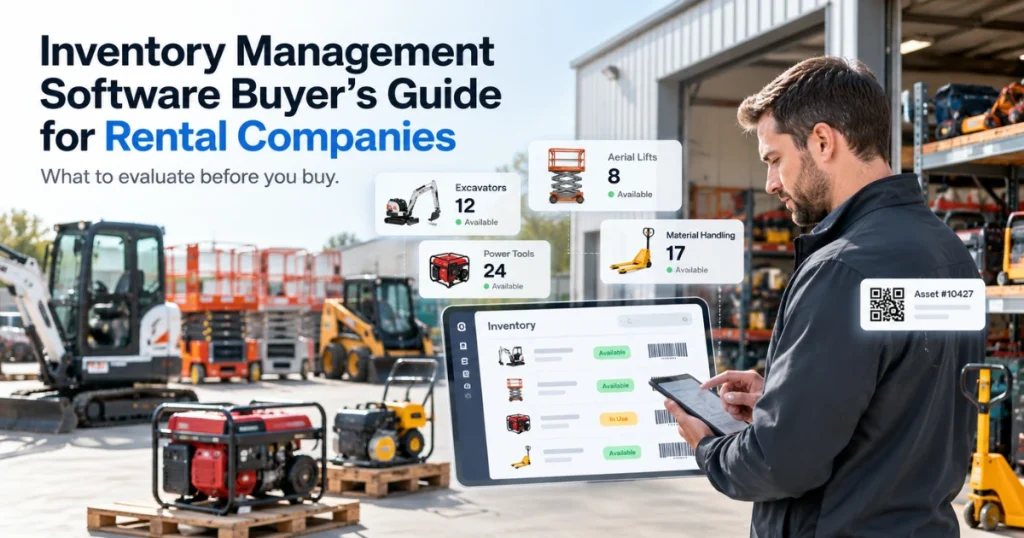
Consistent barcode and scanning integration may support preparation, dispatch, return, transfer, and physical counts when labels, devices, connectivity, and employee workflows are suitable.
Scanning should confirm the item being handled. It should not replace clear asset and package records.
Challenge 5: Incomplete Returns
Rental items do not always return together.
A customer may return the primary machine but retain an attachment. An event company may return most furniture while keeping several items for another day. A camera package may return without one battery or cable.
Closing the entire rental when only part of the order has returned can make the remaining items appear available incorrectly.
The return process should confirm:
- Item identity
- Quantity
- Actual return date
- Serial number where applicable
- Condition
- Missing components
- Reported concerns
- Required next action
The system should close only the returned lines while keeping the remaining items on rent.
A return also should not automatically create availability.
Equipment may require inspection, cleaning, charging, testing, repair, or approval before employees can assign it again.
Keeping “returned” and “available” as separate statuses prevents incomplete or restricted inventory from entering another booking.
Challenge 6: Poor Visibility Across Multiple Locations
A rental company may have enough equipment overall while one branch repeatedly experiences shortages.
Another location may hold underused inventory, but employees cannot see it clearly or do not trust the system record.
Multi-location inventory needs both company-wide visibility and location-level control.
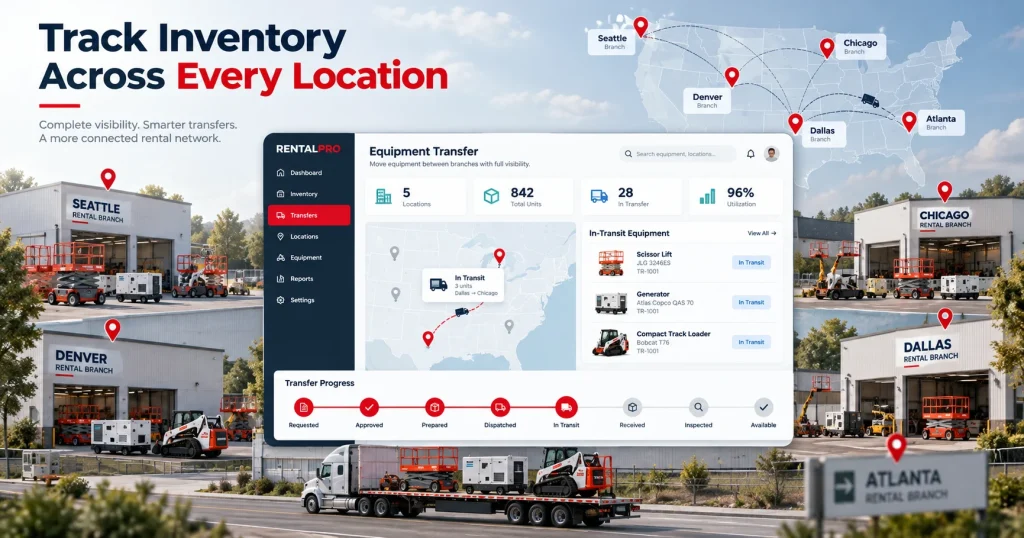
Employees should be able to review where equipment is physically located, which branch is responsible, whether it is reserved, and whether a transfer is already underway.
A transfer may move through:
- Requested → Approved → Prepared → Dispatched → In Transit → Received → Inspected → Available
The receiving branch should not see the equipment as rentable until arrival and condition are confirmed.
Reliable rental inventory tracking software should preserve the movement history instead of changing only the current-location field.
Repeated interbranch transfers may reveal that inventory is positioned poorly. They may also reflect short-term projects or specialist equipment shared deliberately across the business.
The movement record provides the context needed to investigate.
Challenge 7: Inspection and Maintenance Records Sit Outside Inventory
A warehouse may record an item as returned while a technician keeps the fault report in a spreadsheet, email, or paper form.
The inventory team then sees equipment at the branch and assumes it can support another rental.
Inspection and maintenance restrictions should update the asset record immediately.
A post-rental inspection may identify:
- Damage
- Unusual readings
- Missing components
- Cleaning needs
- Customer-reported faults
- Required technical review
If equipment fails the check, its status should stop another assignment.
The inspection record should remain connected with any work request, repair, part, testing activity, and final approval.
Software maintains the relationship between the records. Qualified employees remain responsible for determining whether equipment requires service and when it can return to rental use.
Challenge 8: Parts and Consumables Are Not Connected with Repairs
Rental availability can depend on parts inventory.
A repair may remain open because a hose, battery, filter, cable, tyre, or replacement component is unavailable.
Parts records should distinguish between quantities on hand, reserved, issued, available, and awaiting receipt.
When a technician uses a part, the transaction should remain connected with the work order and asset.
This supports accurate equipment inventory tracking and makes recurring component use easier to review.
If stock falls below an agreed level, employees may need to consider open work orders, existing purchase orders, supplier lead times, expected demand, and stock at other locations before purchasing.
A connected rental procurement process can help keep approved purchase requests, suppliers, orders, receipts, and maintenance demand associated with the wider operation.
Challenge 9: Rerented Equipment Is Mixed with Owned Inventory
Rental companies may source equipment from another supplier when their own inventory cannot fulfil a customer requirement.
This externally sourced equipment should not appear as company-owned fleet inventory.
The record may need to identify:
- Supplying vendor
- Customer rental
- Equipment description or serial number
- Supplier rental dates
- Customer dates
- Incoming and outgoing transport
- Supplier cost
- Customer price
- Return responsibility
If the customer extends the rental, the supplier agreement may also require review.
The system should make the difference between owned, customer-owned, and rerented equipment clear.
Mixing these records can distort fleet counts, utilization, maintenance responsibility, and financial reporting.
Challenge 10: Physical Counts Do Not Match System Records
Inventory discrepancies can result from unrecorded movements, incorrect returns, duplicate records, damaged labels, missing items, quantity errors, or delayed transactions.
A physical count should not simply overwrite the system balance.
Every adjustment should retain:
- The previous quantity or status
- The revised quantity or status
- Location
- Date
- Reason
- Responsible employee
- Approval where required
Repeated differences can reveal a wider process problem.
For example, shortages may repeatedly occur because accessories are not scanned at return. One branch may create duplicate records instead of receiving transferred assets. A product category may use descriptions that employees cannot distinguish easily.
Inventory accuracy is a wider operational issue across many industries. A Reserve Bank of India inventory and capacity survey released in August 2024 covered 900 manufacturing companies. The survey concerns manufacturing inventories, order books, and capacity rather than rental operations, but its scale illustrates how inventory is treated as a formal business measure rather than only a warehouse task.
Inventory counts become useful when the company investigates why the difference occurred and corrects the source process.
Challenge 11: Too Many Manual Adjustments
Frequent manual corrections can make inventory reports difficult to trust.
Adjustments may be necessary when equipment is lost, damaged, found, written off, returned to a supplier, or counted differently.
However, recurring adjustments may indicate that normal transactions are incomplete.
Review adjustments by item, branch, employee role, reason, and transaction type.
A large number of corrections after return may indicate a weak check-in process. Repeated location adjustments may point to missing transfer records. Frequent asset-status corrections may mean employees do not understand the definitions.
The objective is not to eliminate authorised adjustments. It is to reduce preventable corrections by improving the underlying workflow.
Challenge 12: Reports Show Totals Without Explaining Them
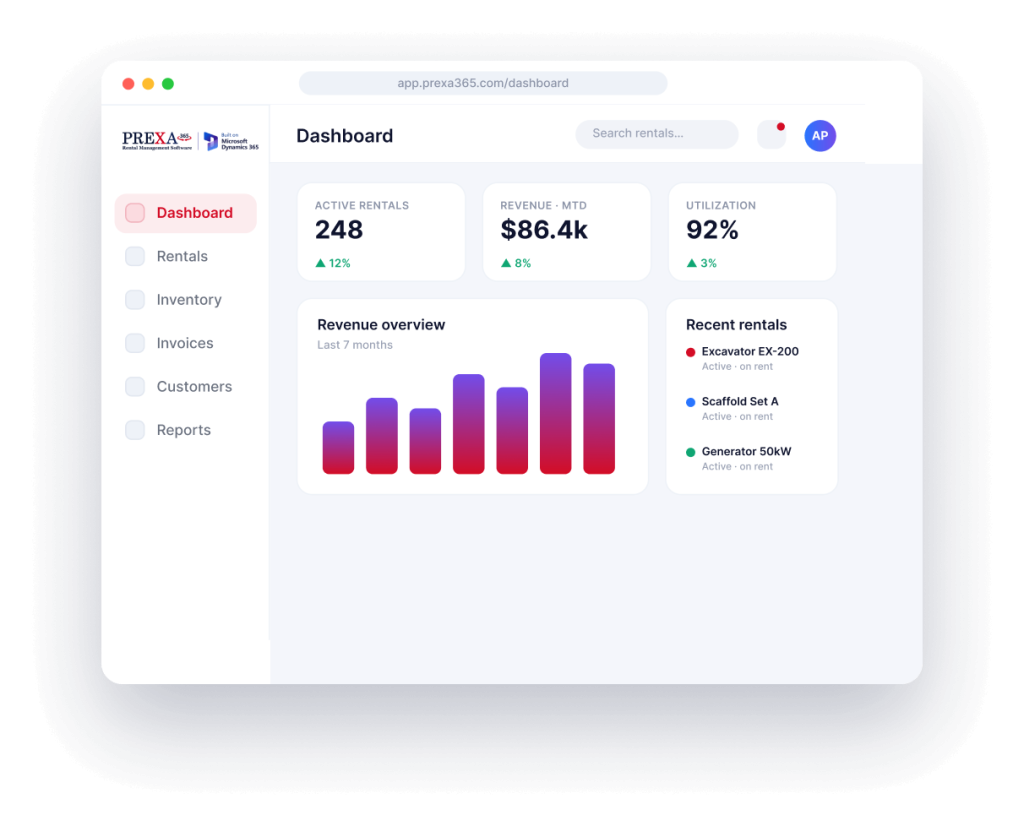
A dashboard may show 200 available items, 40 under maintenance, or 20 overdue returns.
Those figures provide limited value if managers cannot open the records behind them.
Inventory reports should help answer practical questions:
- Which equipment is genuinely rent-ready?
- Which items are awaiting inspection?
- Where are branch shortages occurring?
- Which components are repeatedly missing?
- Why does physical stock differ from the system?
- Which categories experience low utilization?
- Which repairs are waiting for parts?
The report should connect summary values with individual assets, quantities, transfers, reservations, inspections, and adjustments.
A business intelligence software for rentals can help teams review inventory alongside availability, utilization, maintenance, and financial records.
Reports should guide investigation. They should not purchase, transfer, retire, or write off equipment automatically.
Build a More Dependable Inventory Process
Improving rental inventory does not require changing every category at once.
Begin with one high-value or frequently rented equipment group.
Clean duplicate records, standardise names, verify serial numbers, confirm locations, and define status meanings.
Then map the complete inventory journey:
- Reservation → Preparation → Dispatch → Active Rental → Return → Inspection → Maintenance or Approval → Availability
Add exceptions such as a missing accessory, partial return, branch transfer, failed inspection, rerented asset, and quantity adjustment.
This test reveals where employees repeat information, where updates go missing, and which responsibilities remain unclear.
Once the process works, extend the same principles to more locations and inventory categories.
Conclusion
Reliable equipment rental inventory management depends on more than accurate stock counts.
Rental companies need consistent asset identities, date-based availability, package visibility, traceable movements, controlled returns, inspection restrictions, parts records, rerent controls, and explainable adjustments.
The right system should help employees follow inventory throughout the rental lifecycle without hiding the exceptions that create the most work.
Start with clean records and clear status definitions. Then test the process using real equipment, locations, transfers, returns, and service scenarios from your business.
Ready to assess PREXA365 against your rental inventory workflow? Book a free demo using assets and inventory transactions from your operation, or email sales@prexa365.com to discuss tracking, packages, returns, transfers, inspections, and reporting requirements.