Best Heavy Equipment Rental Management Software in 2026
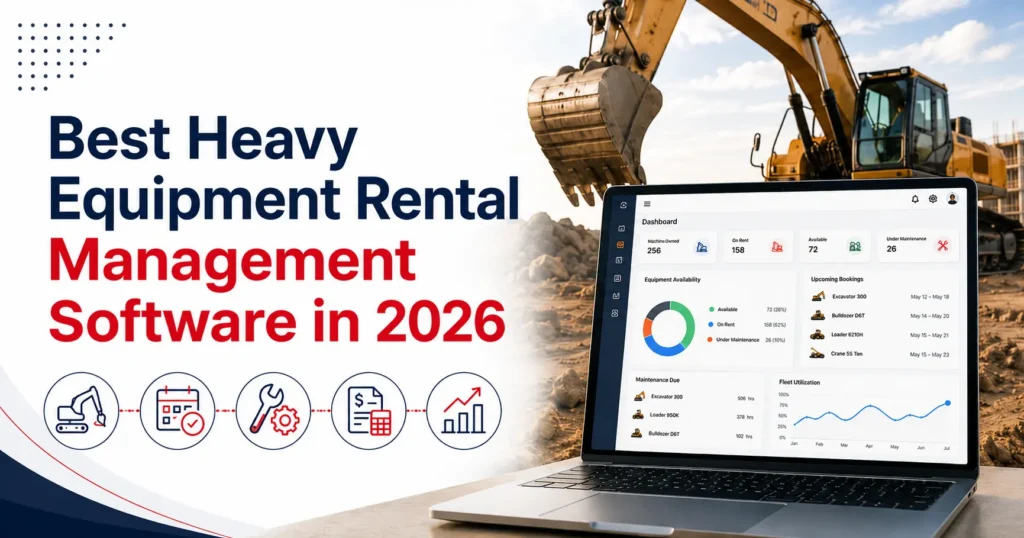
Choosing the right heavy equipment rental management software in 2026 requires a close review of equipment tracking, reservations, maintenance, transport, billing, and fleet reporting. The system should reflect how equipment moves through the rental business, from customer enquiry and quotation to dispatch, return, inspection, and service.
Demand for rental equipment also continues to change. The American Rental Association projected that combined U.S. construction and industrial equipment and general tool rental revenue would increase by 3.6% in 2026, reaching $83.5 billion. This market outlook gives rental businesses another reason to review whether their current systems can support growing transaction and equipment volumes.
However, no platform is automatically the best choice for every company. The right software depends on fleet size, equipment categories, branch structure, maintenance practices, pricing, and accounting requirements.
Start with Your Heavy Equipment Rental Requirements
Before comparing software, document how your rental business operates.
A company renting excavators and bulldozers may need different equipment fields and maintenance processes from a business managing cranes, loaders, telehandlers, or compact construction equipment.
Start by reviewing:
- Delivery, pickup, and branch-transfer processes
- Internal and external maintenance work
- Billing and accounting requirements
Next, identify where your current process causes delays. Employees may struggle to locate equipment, confirm availability, record meter readings, schedule service, or prepare invoices.
These operational problems should become the criteria used to evaluate each system. A long feature list has limited value if the software does not address your actual rental workflow.
Check Equipment Tracking and Fleet Visibility
Heavy equipment requires detailed individual records.
Each machine should have a unique asset identifier and may also need a serial number, make, model, category, location, current status, operating hours, condition, and maintenance history.
Equipment location and equipment availability must remain separate. A loader may be physically present at a depot but unavailable because it is reserved, waiting for inspection, or scheduled for repair.
Useful equipment statuses may include:
- Awaiting return
- Under inspection
- Under maintenance
- In transit
- Retired or unavailable
For multi-location operations, the system should show where equipment is located and whether it is ready for another rental.
Businesses managing machines across several depots may also need rental fleet management software that connects location, condition, availability, and rental history.
Effective heavy equipment tracking software should also support attachments and related items. An excavator reservation may require a specific bucket, trailer, or accessory. Confirming the main machine without checking these dependencies can result in an incomplete order.
Review Booking, Scheduling, and Conflict Checks
The booking process should help employees find equipment that matches the customer’s requirements and remains available for the complete rental period.
Availability checks should consider more than the customer’s rental dates. The full window may include preparation, delivery, active rental, pickup, return inspection, cleaning, and maintenance.
Extensions require the same level of review. If a customer keeps an excavator for three additional days, the revised end date may affect the next reservation. The system should show the conflict before the extension is approved.
Several machines may also sit under one contract. Each unit should retain its own assignment, rental period, rate, meter readings, inspection records, and return status.
An effective scheduling process does not guarantee that double bookings will never occur. Its accuracy depends on employees keeping reservations, extensions, returns, transfers, and maintenance restrictions current.
During a demonstration, ask the provider to show how the software handles an extension that overlaps with another reservation. This provides more useful information than simply asking whether the platform includes a calendar.
Assess Inspections, Maintenance, and Downtime
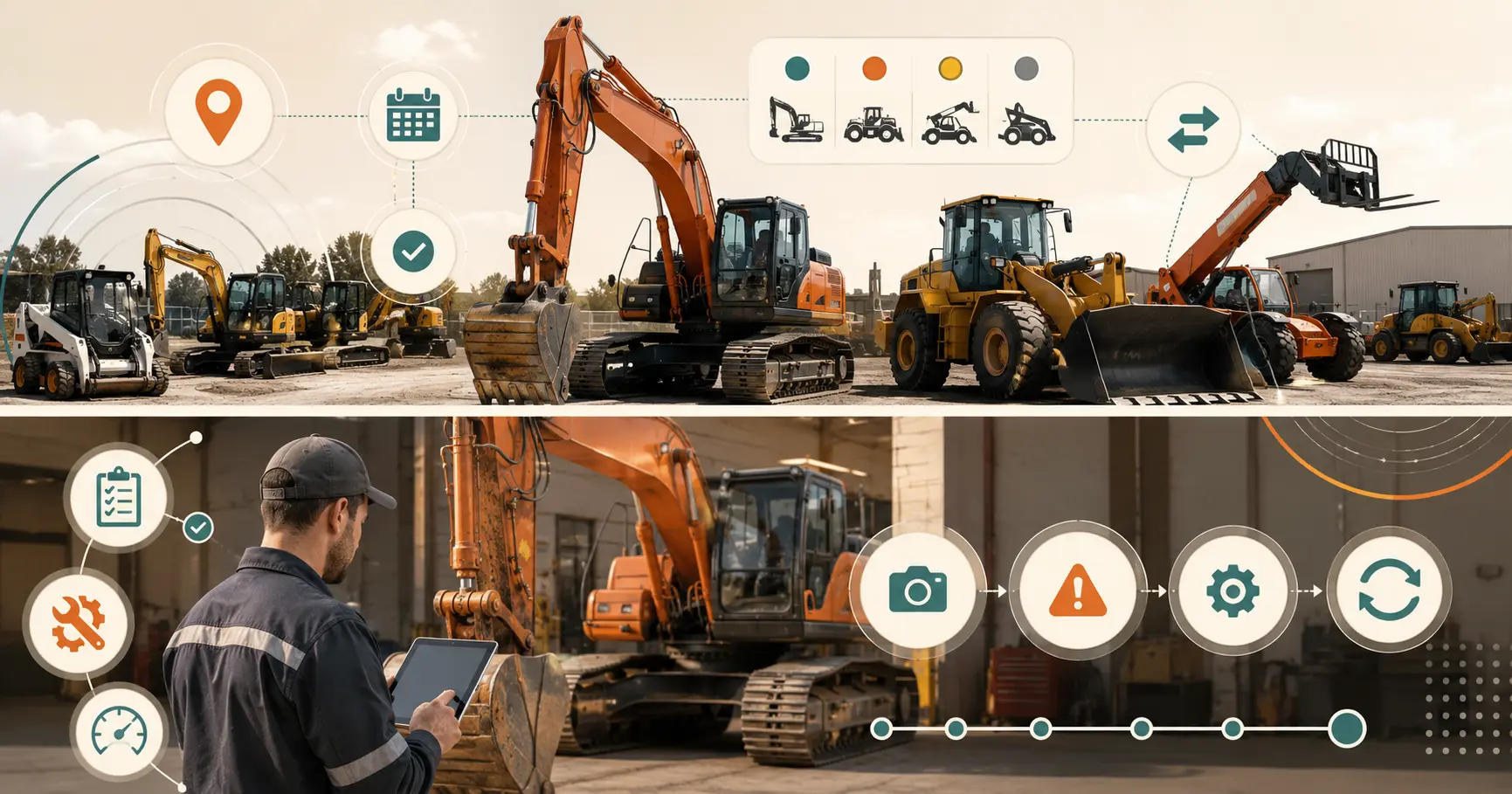
Heavy equipment availability depends on condition as well as scheduling.
Pre-rental inspections should record the equipment’s condition and readiness before dispatch. Post-rental inspections should capture the final meter reading, visible condition, reported faults, missing attachments, and required service work.
Depending on the asset, the record may contain checklist results, notes, photographs, readings, and inspector details.
If equipment fails inspection, its status should restrict it from another rental until the required assessment and work are complete.
Maintenance may be triggered by:
- Calendar dates
- Operating hours
- Mileage or meter readings
- Inspection findings
- Manufacturer instructions
A connected preventive maintenance software for rental equipment process can associate service schedules, readings, inspection findings, parts, and downtime with the correct machine.
The system should also distinguish between planned service, unexpected repair, external service, parts delays, and approval holds. This helps managers understand why equipment remains unavailable.
Software records and coordinates these activities. Trained employees remain responsible for inspections, technical decisions, repairs, testing, and approval for return to service.
Evaluate Pricing, Quotations, and Contracts
Heavy equipment pricing may vary by machine category, customer, contract, rental duration, branch, or project.
The software should support the pricing methods used by the business. These may include daily, weekly, monthly, customer-specific, and project rates.
A quotation may also include delivery, pickup, fuel, usage, cleaning, service, or other approved charges.
Employees should be able to see which price was applied and why. Discounts or rate changes may require approval when they exceed an employee’s authority.
Reliable cost, maintenance, and utilization information is also important when teams calculate equipment rental rates for different categories and rental periods.
Once a customer accepts the quotation, the approved equipment, dates, pricing, delivery details, taxes, and terms should move into the rental order without being entered again.
Quotation revisions should remain available so employees can identify which version the customer approved.
Manage Delivery, Pickup, Exchanges, and Returns
Job-site logistics should remain connected with the rental order and assigned equipment.
Delivery and pickup records may include the site address, customer contact, access instructions, scheduled time, assigned driver, equipment identifier, and transport charge.
Heavy equipment may also move between branches before delivery. The system should distinguish between equipment awaiting transfer, in transit, received, under inspection, and available at the destination.
Equipment exchanges require accurate records. If a machine develops a fault during an active rental, the original and replacement units should retain separate histories under the same contract.
The returned machine may move to inspection or maintenance while the replacement continues on rent.
Partial returns must also be supported. If a customer returns one loader but keeps two excavators, the returned line should stop billing according to the agreed terms while the rest of the contract remains active.
At return, employees should record the final meter reading, condition, damage, attachments, and required service work before changing the equipment status.
Connect Rental Billing with Accounting
The final invoice should reflect what occurred during the rental, not only what appeared on the original quotation.
Billing may change because of an extension, partial return, excess usage, equipment exchange, additional transport, fuel, cleaning, or approved repair charges.
Connecting these transactions with rental accounting software can reduce repeated entry when invoices, purchase records, asset costs, and payments move into the financial process.
However, an integration still requires clear ownership rules.
The business should determine:
- Which system creates customer and vendor records
- When an invoice is ready to transfer
- How taxes and financial accounts are mapped
- How payment status returns to the rental system
- How failed transactions are reviewed
These decisions matter more than whether a product page simply states that an accounting integration is available.
Compare Fleet Reports and Equipment Performance
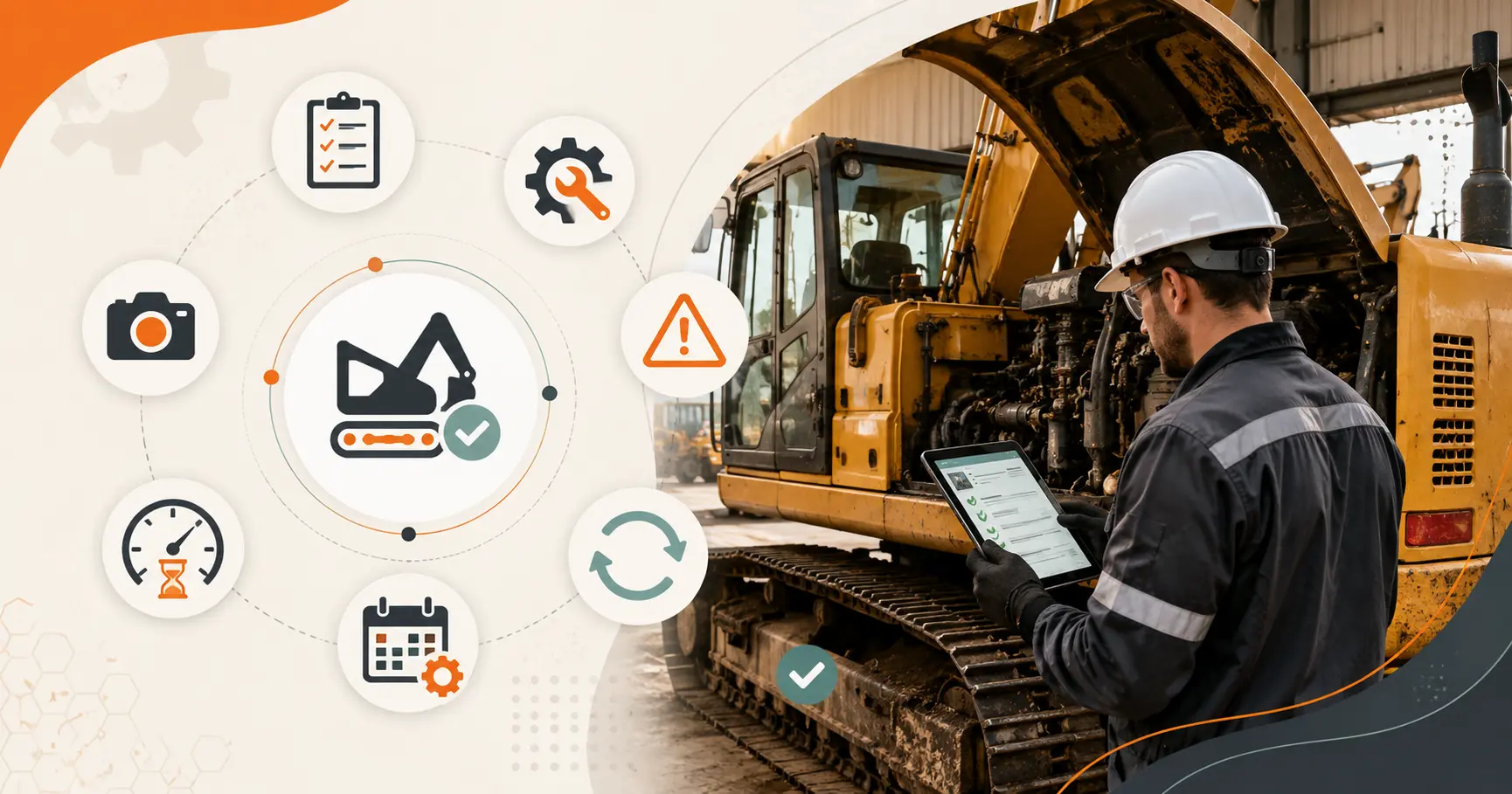
Heavy equipment should not be evaluated using rental revenue alone.
Managers also need to understand how frequently equipment is rented, how long it remains unavailable, and how much it costs to maintain.
Useful measures include rental days, time utilization, financial utilization, rent-ready percentage, downtime, revenue by machine, and maintenance cost by unit.
These results need context.
High time utilization may appear positive, but it can leave too little time for inspections and planned service. Low utilization may result from weak demand, unsuitable location, excessive pricing, poor condition, or an oversized fleet.
Reports should allow managers to move from a fleet summary to the individual machines behind the result. This makes it easier to review purchasing, transfer, repair, pricing, and replacement decisions.
Companies managing excavators, cranes, loaders, and similar assets can also review this construction equipment rental software guide for additional operational considerations.
Heavy Equipment Rental Software Buying Checklist
Use a realistic rental scenario when comparing platforms.
| Area | What to verify |
| Asset records | Categories, serial numbers, locations, readings, specifications, and attachments |
| Scheduling | Date-based availability, extensions, conflicts, and maintenance restrictions |
| Maintenance | Inspections, service schedules, downtime, parts, and equipment history |
| Rental process | Quotes, contracts, delivery, exchanges, partial returns, and additional charges |
| Finance | Pricing, invoices, equipment costs, purchasing, and accounting connections |
| Reporting | Utilization, revenue, downtime, rent-ready status, and maintenance cost |
| Implementation | Data import, permissions, training, integrations, and support |
Ask the provider to demonstrate a complete workflow involving a quotation, several machines, equipment allocation, delivery, failed inspection, exchange, partial return, maintenance task, and invoice.
This type of test shows how the software handles daily exceptions, not just standard transactions.
How PREXA365 Fits Heavy Equipment Rental Operations
PREXA365 can be assessed against the equipment, branch, maintenance, pricing, billing, and integration requirements discussed above.
Its published heavy-equipment rental page covers equipment records, availability, quotations, contracts, inspections, maintenance, pricing, billing, and reporting. The suitability of each function should still be confirmed using the company’s own fleet and workflow scenarios.
Before making a selection, confirm what is included as standard, what requires configuration, which integrations are available, and whether additional services are needed for data migration or implementation.
The final choice should be based on documented requirements rather than general claims about automation or operational performance.
Conclusion
The best heavy equipment rental management software is the system that reflects how equipment actually moves through your business.
It should connect asset identity, availability, reservations, inspections, maintenance, transport, returns, billing, and reporting without forcing employees to maintain separate versions of the same transaction.
Before selecting a platform, document your current process and identify where information becomes delayed, incomplete, or inconsistent. Then test each shortlisted system using realistic equipment, customer, maintenance, and billing scenarios.
Book a free demo to review PREXA365 using examples relevant to your fleet, or email sales@prexa365.com to discuss your equipment, scheduling, maintenance, and reporting requirements.