7 Ways to Automate AV Rental Operations with Rental Software
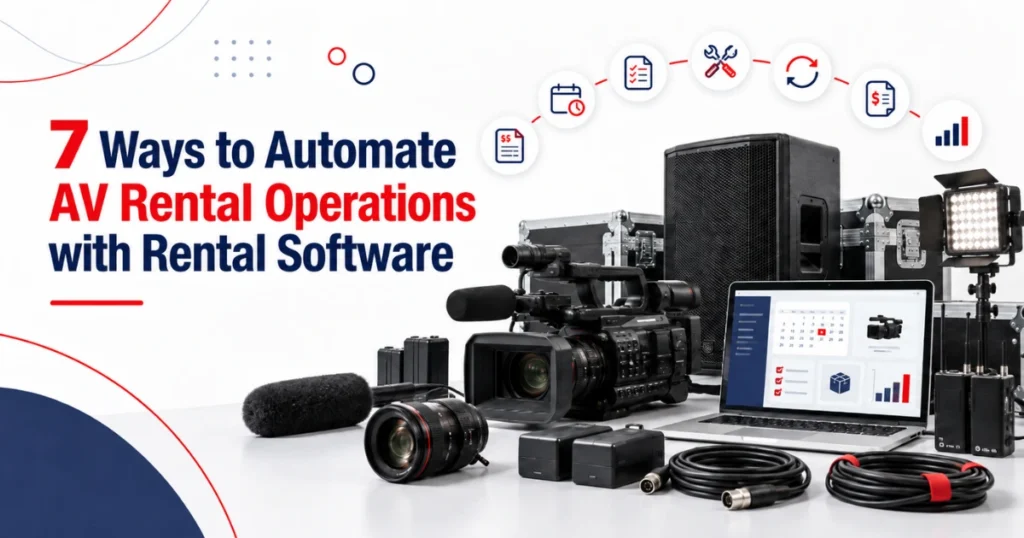
Managing cameras, lenses, speakers, microphones, lighting equipment, projectors, batteries, cables, and accessories requires accurate coordination. AV rental software can connect equipment records, availability, bookings, inspections, maintenance, returns, and billing so teams do not have to update the same rental across several spreadsheets.
This is particularly useful because many AV rentals involve complete equipment packages rather than single items. A camera body may need a compatible lens, tripod, monitor, battery, media card, charger, and transport case. One missing accessory can delay the entire order.
The professional AV market also continues to grow. AVIXA forecasts that global professional AV revenue will reach $402 billion by 2030, up from $332 billion in 2025. This forecast covers the wider professional AV industry rather than rental businesses alone, but it reflects the scale of equipment and services across the market.
Automation should not mean removing employee review. It should reduce repeated work, apply agreed business rules, and direct exceptions to the correct person.
Here are seven areas where rental software can support AV and camera rental operations.
Connect Customer Enquiries with Quotations
An AV rental usually begins with a project requirement.
A customer may need equipment for a film production, corporate event, livestream, photo shoot, conference, concert, or private function. The correct equipment depends on the venue, audience, recording format, rental period, crew, delivery requirements, and planned use.
If employees record these details in personal notes or separate emails, important information may not reach the quotation or warehouse team.
A camera rental software system can keep the customer, project dates, venue, equipment requirements, delivery instructions, and contact details connected with the same enquiry.
The quotation can then include the selected equipment, rental duration, approved rates, delivery, pickup, operator support, consumables, or other services. If the customer changes the project date or equipment list, employees should be able to revise the quote while keeping the earlier version available for reference.
Once the customer approves the quotation, the agreed details should move into the rental order without being entered again.
Software can carry the information forward, but an employee should still confirm that the selected equipment and configuration meet the customer’s requirements.
Check Equipment and Accessory Availability
AV availability involves more than checking the primary asset.
A camera body may be available, but the required lens or battery kit may already be reserved. A projector may be ready, but its mount, remote, cable, or transport case may be missing.
Good AV equipment rental software should check the complete equipment requirement across the requested rental period.
The availability review should consider:
- Current and future reservations
- Equipment already on rent
- Expected return dates
- Inspection and preparation time
- Maintenance restrictions
- Equipment moving between locations
The system should also distinguish between equipment that is physically present and equipment that is ready to rent. An item may be in the warehouse but still require cleaning, charging, testing, repair, or inspection.
Rental extensions should trigger another availability check. If one customer keeps a camera kit for two more days, the change may affect the next booking.
Automated conflict warnings are useful only when employees keep rental dates, returns, exchanges, and equipment statuses current.
Build Complete AV Rental Packages
Many AV rentals use standard kits or project packages.
A camera package may contain a camera body, two lenses, batteries, chargers, recording media, a tripod, a field monitor, and a protective case. A conference audio package may include speakers, stands, wireless microphones, a mixer, cables, and power equipment.
An audio visual rental software system can use predefined package structures as a starting point, reducing the need to add common accessories individually for every new order.
However, the package should not hide its individual items. Each serialized camera, lens, projector, lighting fixture, or mixer may require its own rental, condition, and maintenance history.
The system should therefore maintain both:
- The complete package assigned to the customer
- The individual equipment and accessories included in it
This becomes important when one item is exchanged, returned early, damaged, or sent for repair while the rest of the package remains on rent.
A suitable camera equipment rental software structure should also support substitutes. If the expected lens or microphone is unavailable, employees may need to select an approved alternative while preserving an accurate record of what was supplied.
Package automation saves time only when equipment compatibility, quantities, and availability are reviewed before confirmation.
Assign Preparation and Inspection Tasks
AV equipment goes through repeated handling, transport, installation, use, and return. Small issues can affect the performance of a complete setup.
A weak battery, damaged cable, dirty lens, faulty connector, missing adapter, or incorrect configuration may not be visible in a standard availability calendar.
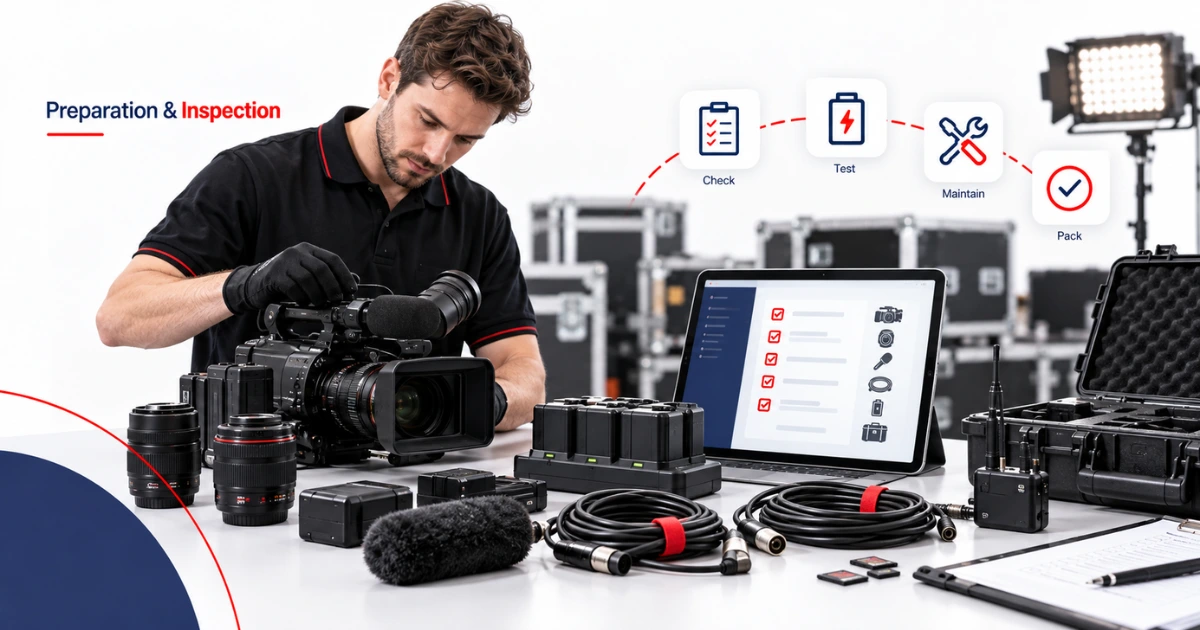
The rental order should therefore create or assign preparation work for the selected equipment.
Depending on the item, preparation may include:
- Functional testing
- Cleaning and condition checks
- Battery charging
- Accessory verification
- Configuration or firmware review
- Packing and case allocation
A camera asset management software process can connect the inspection result, condition photographs, notes, and meter or usage information with the correct serialized asset.
If an item fails its check, the system should change its status and route it for technical review. The warehouse or service team can then evaluate the problem, record the required work, and select a replacement for the rental if necessary.
Software records and routes the information. Trained employees remain responsible for technical checks, equipment preparation, repair decisions, and final approval.
Schedule Maintenance from Usage and Condition Records
AV equipment may require maintenance based on dates, usage, condition, inspection findings, or recurring faults.
Different assets need different service rules. Cameras may require sensor or mount checks. Projectors may need filter or lamp servicing. Lighting equipment may require connector, cable, housing, or cooling-system checks. Batteries may need testing and replacement based on performance.
Rental software can create alerts when a defined maintenance threshold approaches. It can also prevent equipment with an open maintenance requirement from appearing ready for another booking.
An effective audio visual asset management process should keep the following information connected with the individual item:
- Previous faults and repairs
- Service dates
- Parts or components replaced
- Inspection findings
- Downtime
- Approval for return to rental use
Automatic alerts do not complete the maintenance. An employee must still review the requirement, confirm the information, assign the work, and update the record after service.
The history can also help identify repeated issues. If the same camera body, wireless microphone, or lighting fixture regularly returns with a similar fault, managers can review its repair costs, downtime, utilization, and rental revenue before deciding whether to repair or replace it.
Process Returns, Exchanges, and Additional Charges
The return process affects equipment availability, maintenance, billing, and the next rental.
When an order comes back, employees need to confirm which items were returned and compare them with the original equipment list.
An automated return workflow can display the assigned package and allow staff to record returned quantities, equipment condition, missing accessories, usage information, and required follow-up work.
However, “returned” and “available” should remain separate statuses.
A returned camera, projector, microphone, or light may still require cleaning, charging, testing, data removal, inspection, or repair before the next booking.
Partial returns also need careful handling. A customer may return the camera package but keep the audio equipment for another day. The software should close the returned items while keeping the remaining contract active.
The same principle applies to exchanges. If a camera body or microphone develops a fault during the rental, the original and replacement items should retain separate histories under the same customer agreement.
Any additional charge should follow the contract and approval process. A condition note should not automatically create a damage charge without review.
Connect Rental Activity with Invoicing and Reporting
The final invoice should reflect what happened during the rental, not only what appeared on the original quotation.
The amount may change because of an extension, early return, additional equipment, replacement item, extra delivery, operator support, consumables, cleaning, or another approved service.
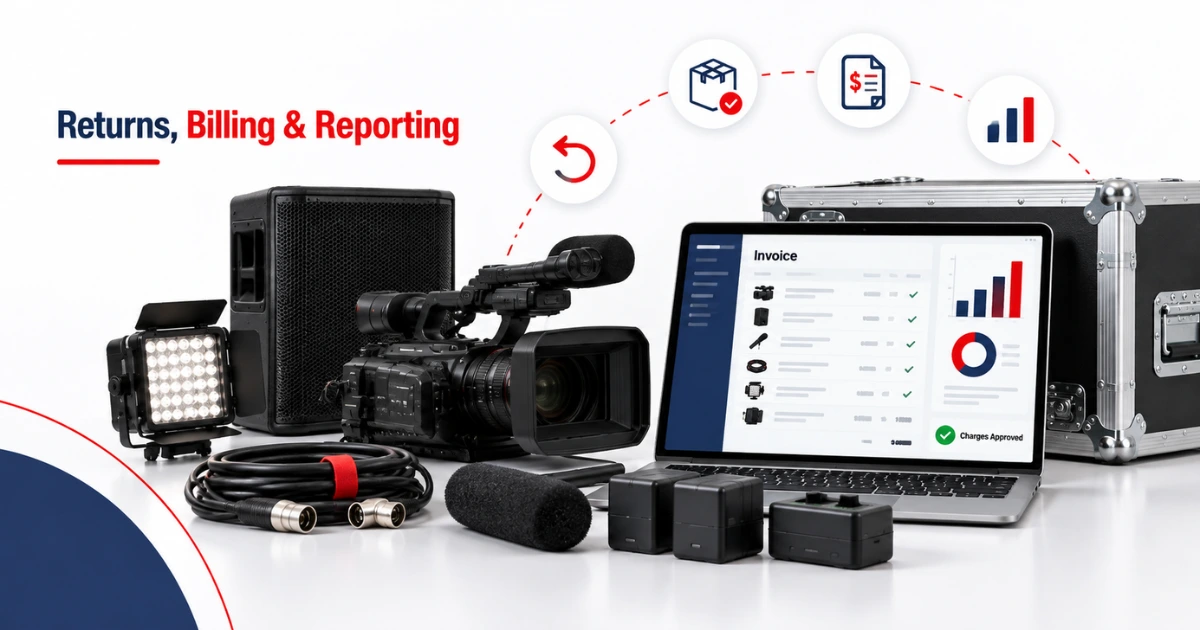
A camera rental management software system can keep these changes connected with the contract so employees can review the final rental activity before invoicing.
This reduces the need for finance teams to rebuild the transaction from emails, spreadsheets, and warehouse notes.
The invoice may contain:
- Equipment and package rental charges
- Delivery and pickup costs
- Additional labour or services
- Approved consumable charges
- Extensions and partial returns
- Approved cleaning, repair, or replacement costs
The business should define which employees can add, approve, or remove each charge.
Once rental, equipment, service, and billing records are connected, management can review more useful operating information.
Relevant measures may include rental days, equipment utilization, revenue by item, equipment awaiting inspection, maintenance cost, downtime, and frequently missing accessories.
These measures should be considered together. High utilization may look positive, but it can leave too little time for inspection and maintenance. A specialist camera or lighting unit may have fewer rental days but produce stronger revenue per project.
Reports provide evidence for purchasing, pricing, maintenance, transfer, and replacement decisions. They do not make those decisions automatically.
Where Should an AV Rental Company Begin?
Begin with one repeatable rental type.
For example, choose a standard camera kit, livestream package, conference audio setup, or lighting package. Map how it moves through the business from customer enquiry to quotation, booking, preparation, delivery, return, inspection, and invoicing.
Then identify the steps that require repeated entry or regularly create errors.
Good starting points include:
- Carrying approved quote details into the rental order
- Checking date and equipment conflicts
- Creating preparation checklists
- Moving failed items into technical review
- Presenting the original equipment list during return
- Sending approved rental activity into invoicing
Avoid automating a process before employees agree on how it should work. Otherwise, the software may reproduce inconsistent records more quickly.
Every exception should also have an owner. Missing equipment, failed checks, unavailable accessories, and unapproved charges should reach a named employee rather than remain unnoticed in a notification list.
What to Look for in AV Rental Software
Before choosing a rental management platform, test how it manages both serialized equipment and quantity-based accessories.
The product demonstration should include a realistic AV rental containing cameras, lenses, microphones, lighting, cables, batteries, and cases.
Ask the provider to show how the system handles:
- A booking conflict
- A missing accessory
- A failed preparation check
- An equipment exchange
- A partial return
- A rental extension
- A revised invoice
Also confirm which functions are standard, which need configuration, and whether integrations or additional development are required.
The best option is not the system with the longest feature list. It is the one that reflects how your team quotes, prepares, rents, inspects, services, and invoices AV equipment.
How PREXA365 Supports AV and Camera Rentals
PREXA365 can be assessed against the quotation, equipment, scheduling, inspection, maintenance, return, invoicing, and reporting requirements covered in this article.
Its published camera and AV page describes camera and accessory tracking, equipment availability, multi-item rental orders, service scheduling, digital records, pricing, billing, customer information, and utilization reporting.
The setup should reflect the company’s equipment categories, AV package structure, locations, pricing, preparation procedures, maintenance rules, employee permissions, and accounting requirements.
During a demonstration, use a complete AV project rather than reviewing individual product screens. This will show how information moves between sales, warehouse, service, delivery, returns, and finance.
Conclusion
AV rental automation works best when it reduces repeated entry while keeping necessary employee review in place.
The strongest opportunities usually sit across seven areas: quotations, availability, equipment packages, preparation, maintenance, returns, and invoicing.
Begin with accurate equipment records and clear status definitions. Then apply automation to tasks that follow agreed rules. Keep technical, contractual, and financial decisions with authorized employees.
The objective is not to automate every action. It is to make sure each customer requirement, equipment item, inspection result, and approved charge reaches the correct stage with a clear history.
Book a free demo to review PREXA365 using an AV or camera rental scenario relevant to your business, or email sales@prexa365.com to discuss your equipment, booking, maintenance, and billing requirements.